
AtariFA
Replacement CPU for the Atari Generation 1 pinball MPU.
All Generation 1 games are supported:
Atarians - Time 200 - Airborne Avenger - Middle Earth - Space Riders
Key features:
- 1:1 replacement supporting the original edge connectors ( additional connectors available )
- all 'external' components are THT for easy replacement
- piggyback FPGA replaces CPU, Rom, Ram and most of the logic ICs
- Mosfet Solenoid control with onboard fuses
- modern onboard voltage regulator
- standard LEDs instead of lamps can be used
- additional onboard soundboard with wav/mp3 background music capabilities
- 'on the bench' test capabilities via additional testboards
- onboard ESP32 for easy access & control via WiFi and Browser based App 'FAcontrol '
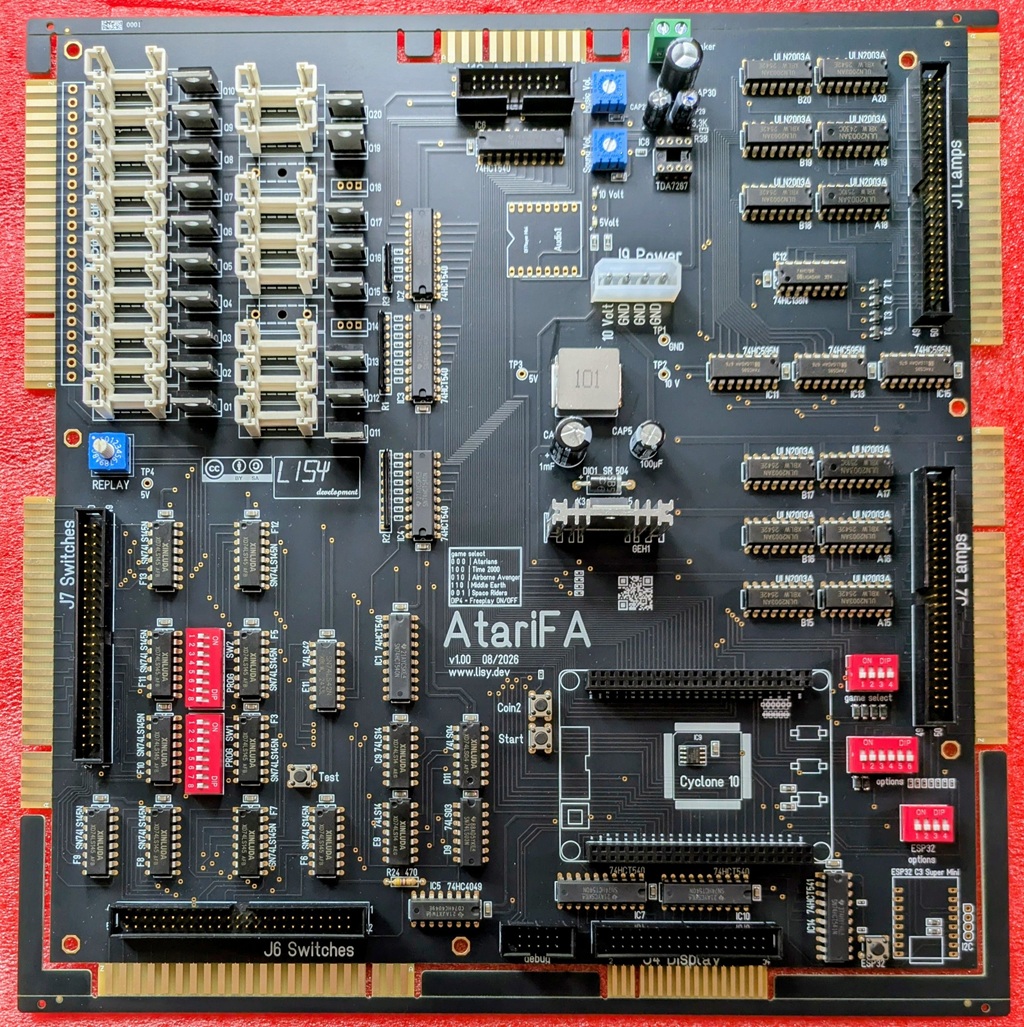 v1.00 assembled by JLCPCB
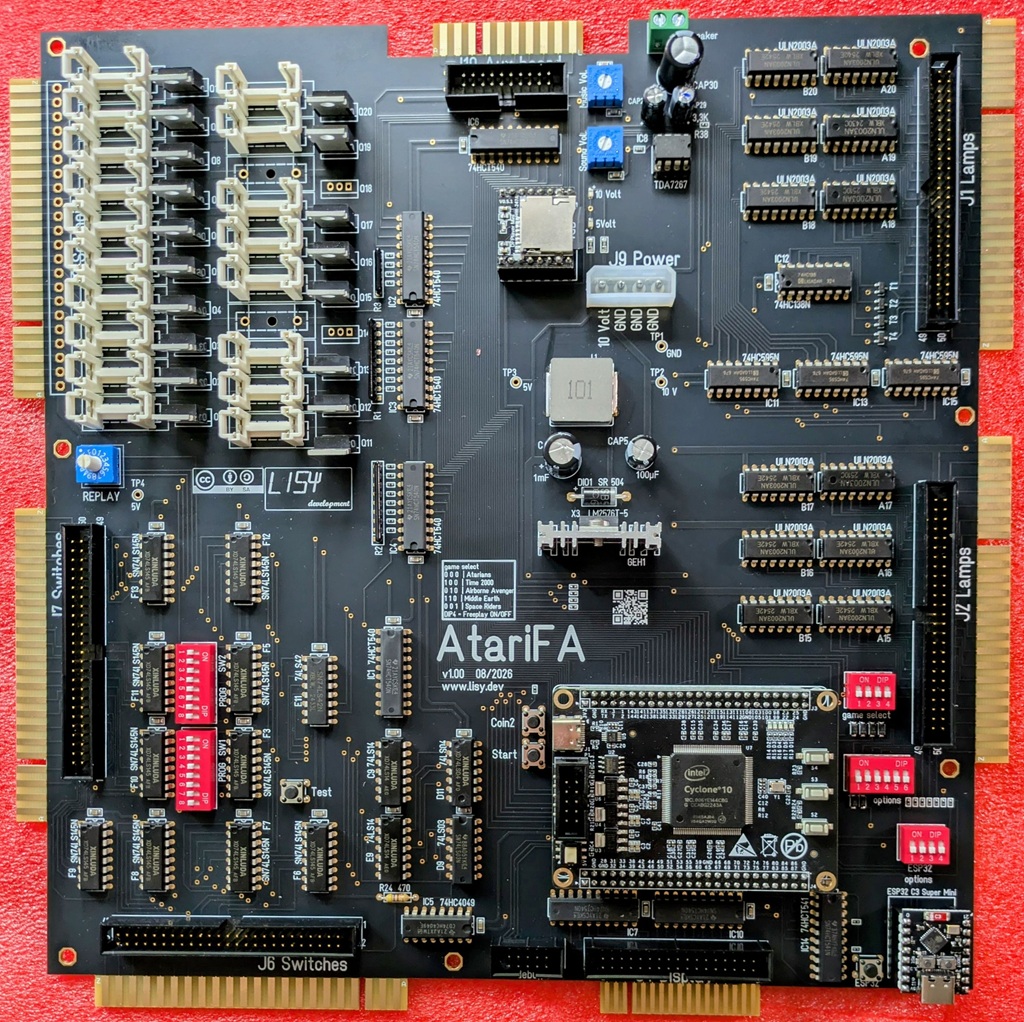 complete (except fuses)
 comparison original CPU and AtariFA
needed parts
in addition to your JLCPCB order you need a couple of parts.
FPGA piggy back board, you need a 'dev_open Cyclone IV' board.
3M screw 5mm, to fix the LM2576 'simple switches' to the heat sink.
18 fuses 2 Ampere / Slow-Blow ( 5 x 20mm )
Optional for background sound: Micro SD card / Miniplayer / TDA7267
Optional for 'FA-Control': ESP32-C3 (choose Color: C3 Super mini )
Miniplayer & ESP32-C3 Mini can be soldered directly onto the PCB, OR you use 8pin female headers (recommended)
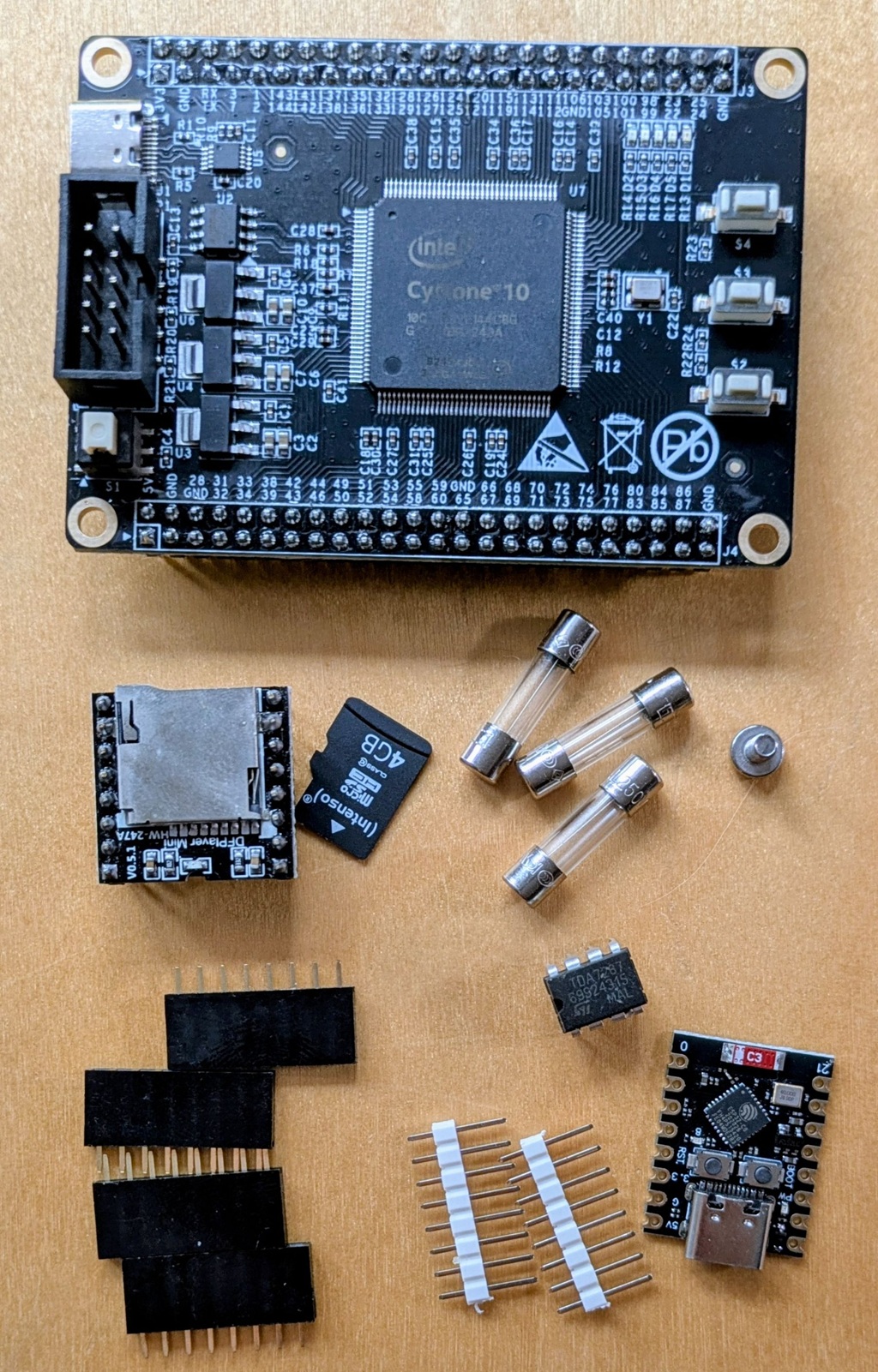 additional parts needed
documentation
installation
Follow the links for details
1) remove the edge rails (you can grasp them with tongs )
3) place the FPGA board onto AtariFA PCB ( there is no key, double check position!)
4) fix the LM2576 onto the heat sink with the 3M screw
5) insert the fuses
6) place sockets, miniplayer and TDA7267 (optional for background sound)
7) place sockets, and ESP32-C3 (optional for FA-Control)
ordering instructions for v1.10
Have a look to the PCB documentation section.
Needed Gerber Data, BOM and Component Placement List (CPL) you find on my repository server.
Note that v1.10 is not tested yet!
BOM is created for direct placement of ICs via JLCPCB, if you prefer IC sockets and purchasing ICs yourself let me know.
When ordering, in order to have best contact with edge connectors, I recommend to use 'Gold Fingers'. For that you need to use 'ENIG' as surface finish and check the 'Gold Finger' option. ( Note: with 'ENIG' you are forced to use 'standard' PCB instead of 'economic'.


Adapter
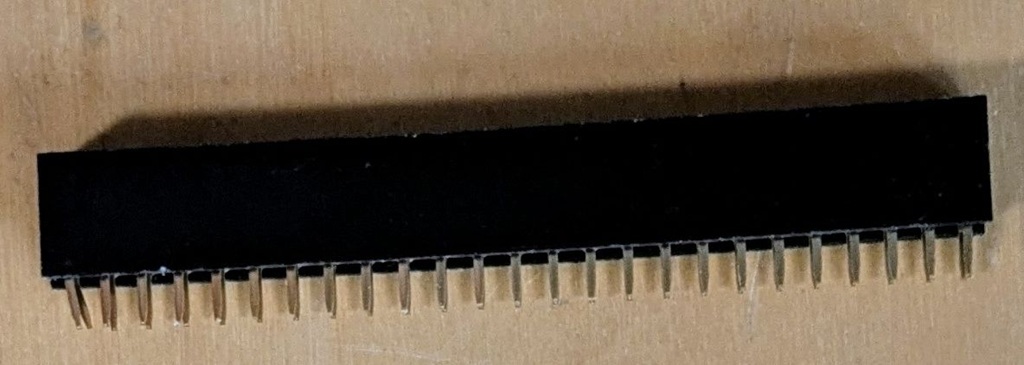
To be able to replace the original edge connectors and to test AtariFA on the desk I designed severall adapter PCBs which can be attached at AtariFA PCB with a 50pin female connector.
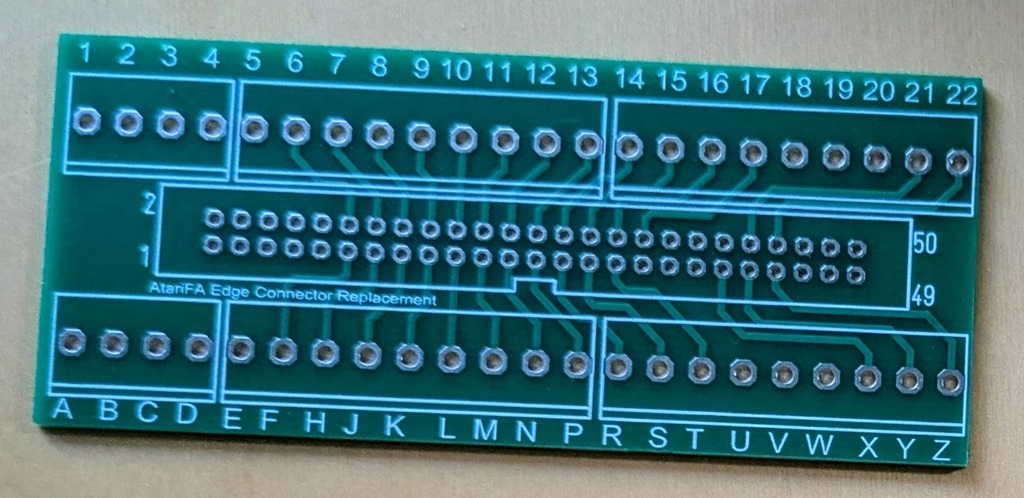 Edge connector replacement
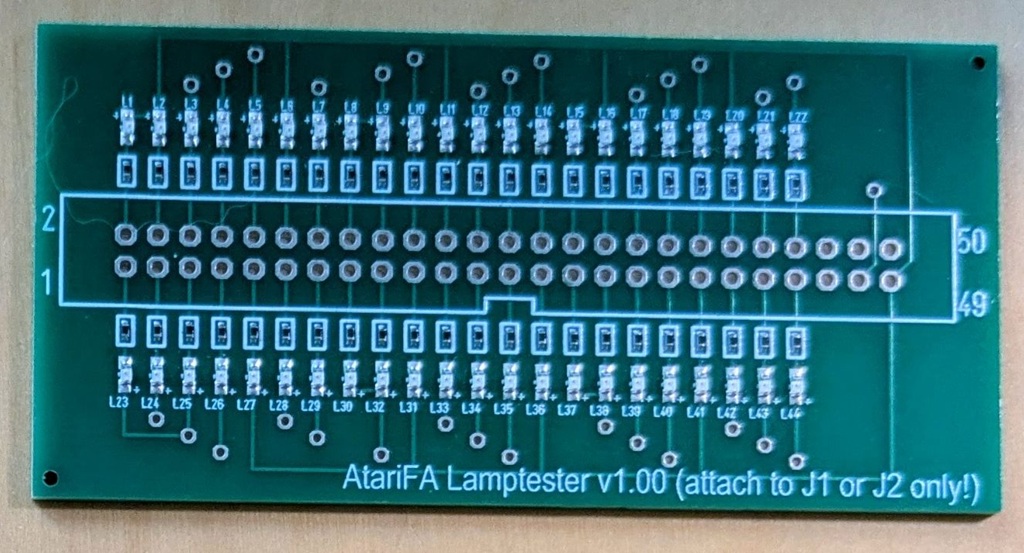 Lamp tester
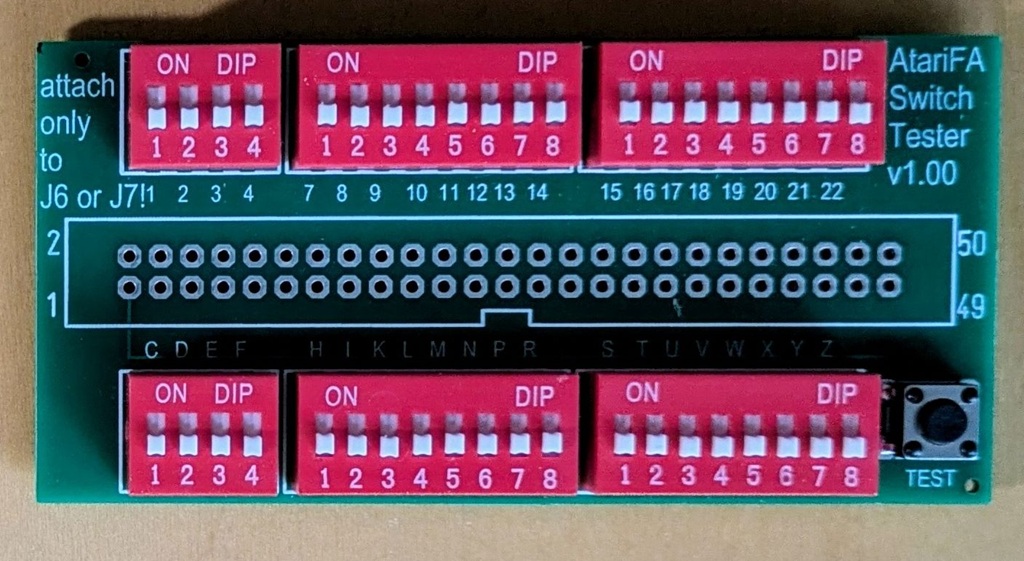 Switch Tester
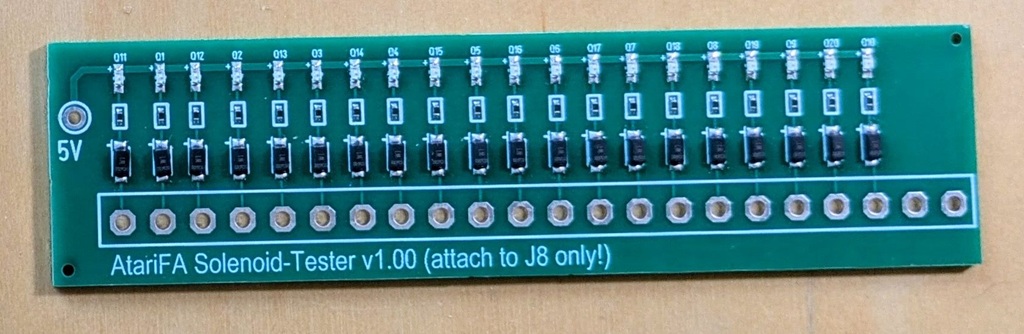 Solenoid Tester